> For the complete documentation index, see [llms.txt](https://helpfastcons.fastwork.vn/llms.txt). Markdown versions of documentation pages are available by appending `.md` to page URLs; this page is available as [Markdown](https://helpfastcons.fastwork.vn/huong-dan-module-khac/module-work/projects-teams/cach-lap-phieu-thu-chi-gan-voi-du-an.md).
# Cách lập phiếu thu/chi gắn với dự án
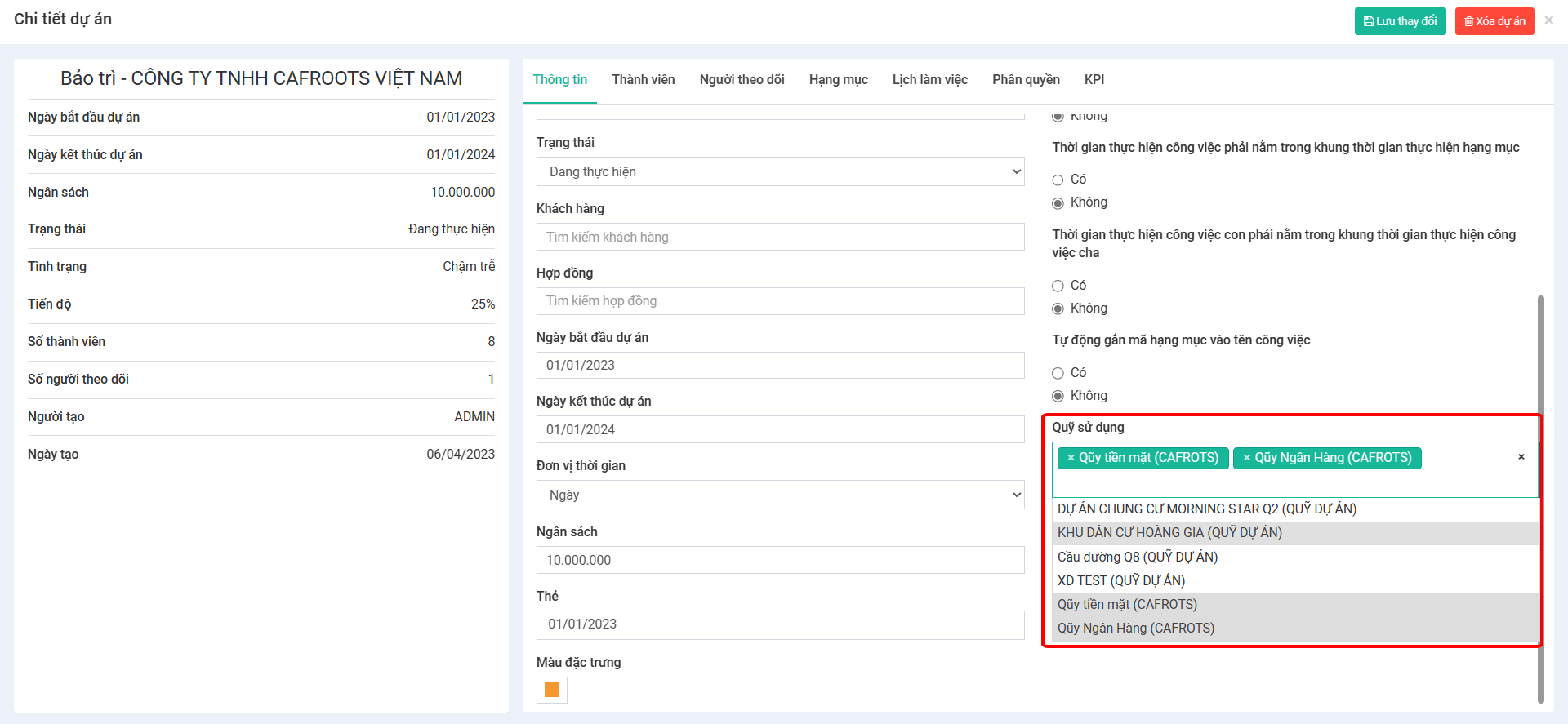
{% hint style="warning" %} **YÊU CẦU:** Phải có Quỹ bên trong dự án và người lập phiếu phải là thành viên của Quỹ
{% endhint %}
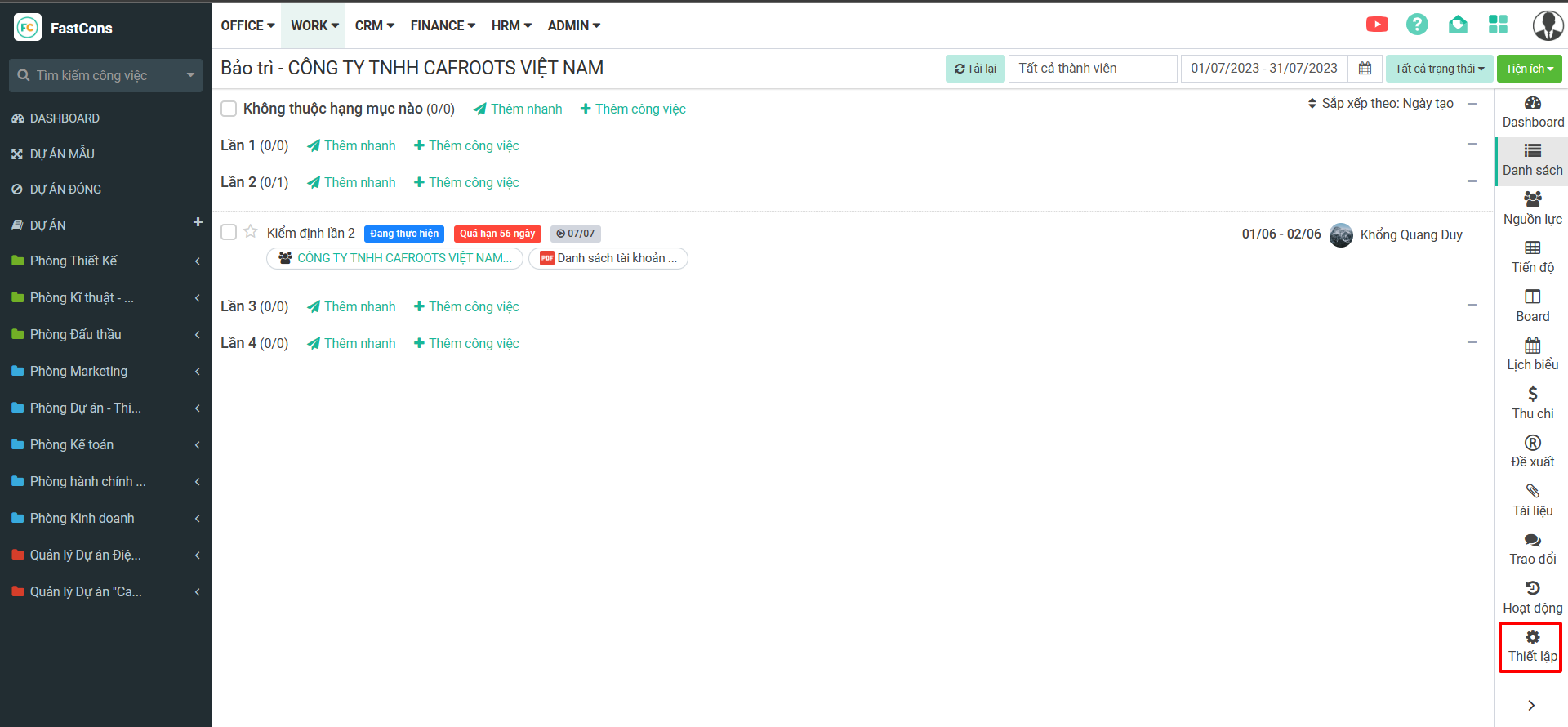
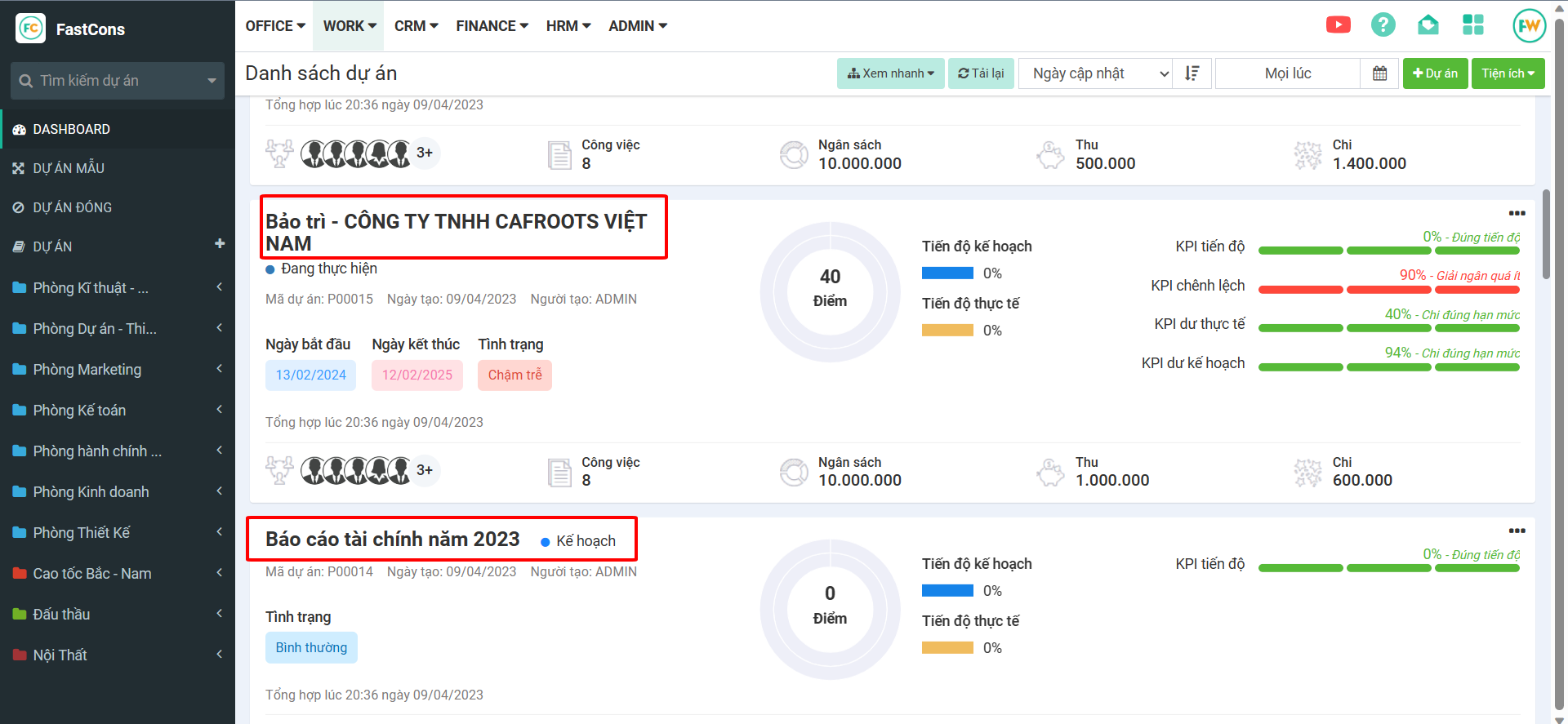
**Bước 1:** Vào dự án cần lập phiếu thu/chi
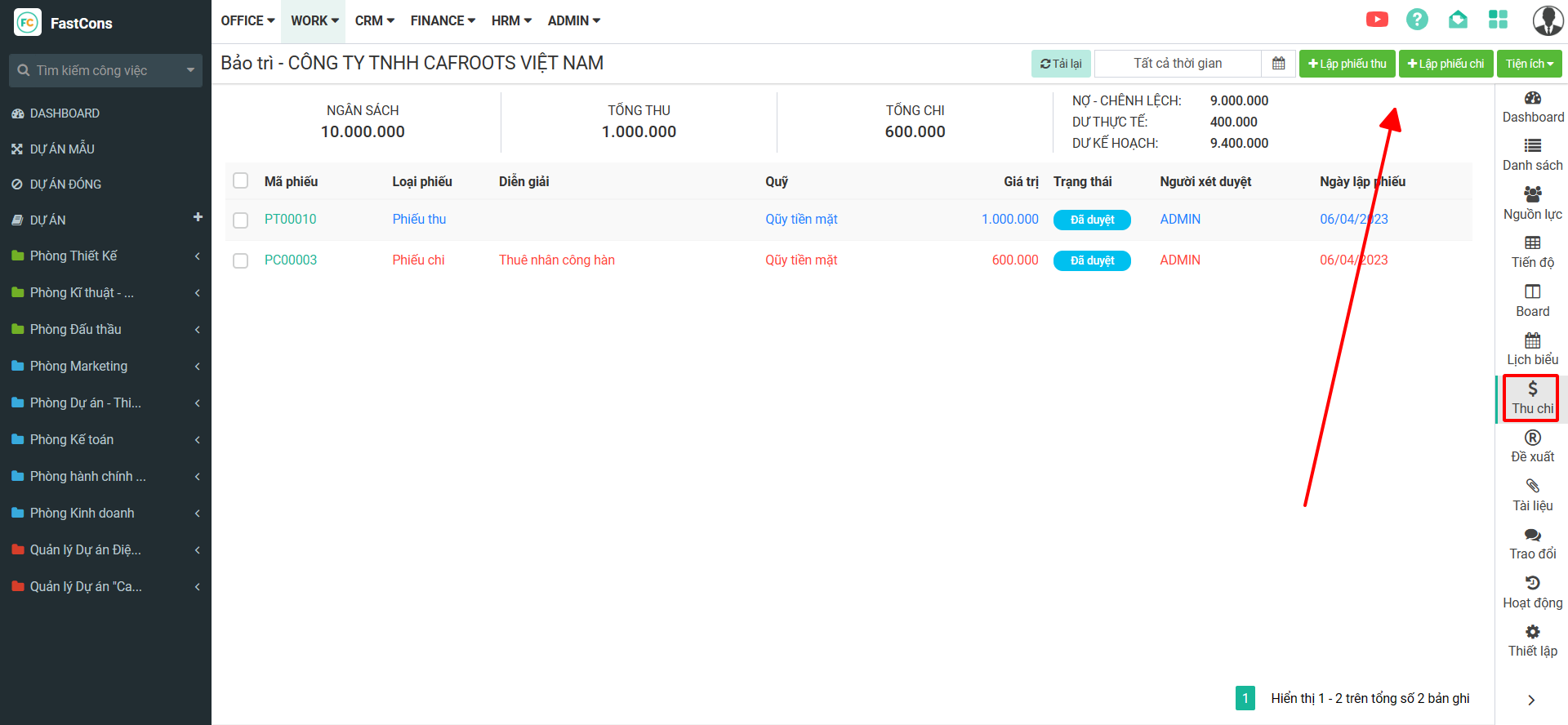
**Bước 2:** Chọn Thu chi – Thêm mới một phiếu thu/chi
**Bước 3:** Điền các thông tin cần thiết của một phiếu thu/chi cho dự án.
*Lưu ý:*
\- *Những trường đánh dấu \* là bắt buộc phải điền không bỏ trống.*
\- *Chọn đúng Sổ Quỹ cho mỗi loại phiếu thu/chi.*