> For the complete documentation index, see [llms.txt](https://helpfastcons.fastwork.vn/llms.txt). Markdown versions of documentation pages are available by appending `.md` to page URLs; this page is available as [Markdown](https://helpfastcons.fastwork.vn/huong-dan-module-khac/module-work/projects-teams/cach-them-moi-de-xuat-gan-voi-mot-du-an.md).
# Cách thêm mới đề xuất gắn với một dự án
Phần mềm hỗ trợ tính năng tạo các đề xuất, phê duyệt mua sắm trang thiết bị phục vụ một dự án một cách dễ dàng và nhanh chóng.
### **Cách thêm đề xuất đưa vào trong 1 dự án trên web**
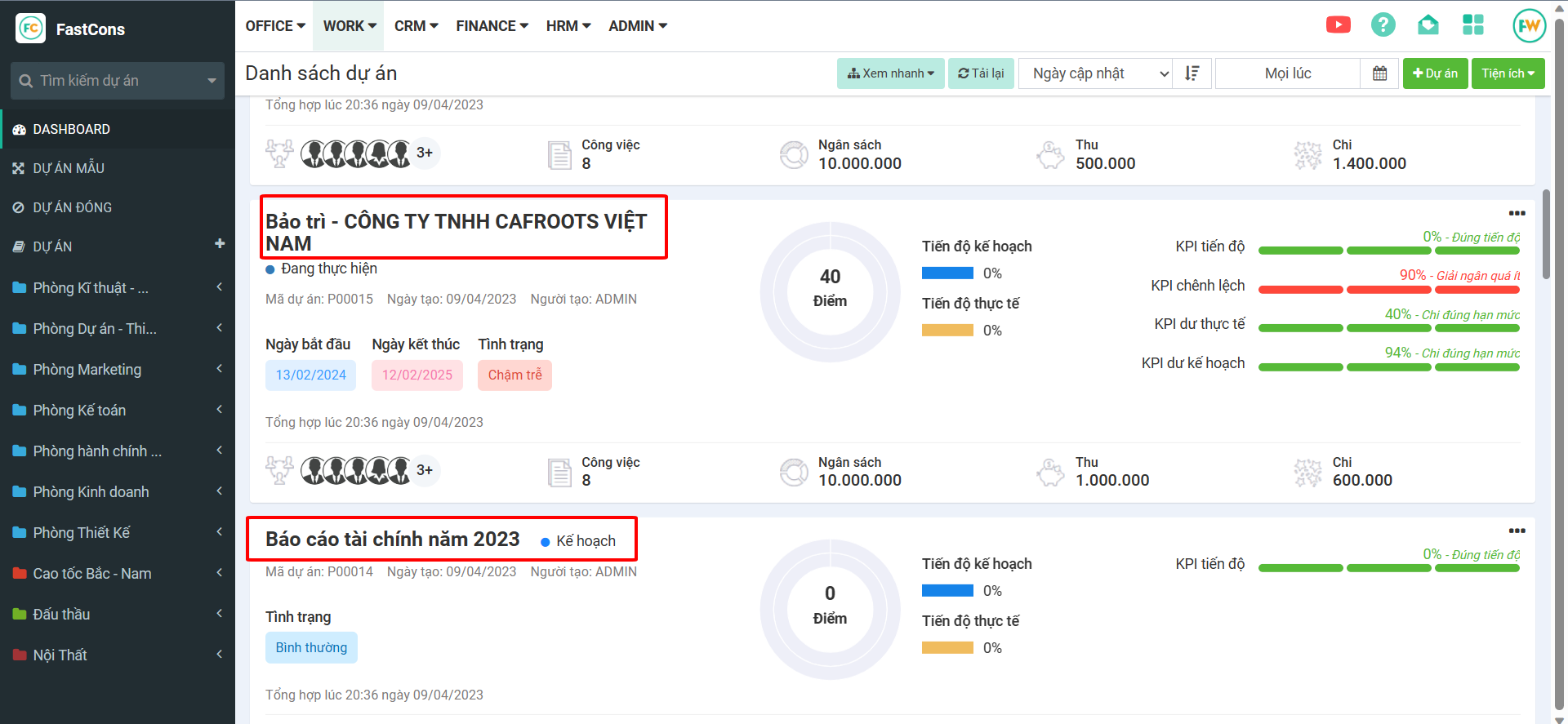
**Bước 1:** Vào dự án cần lập phiếu thu/chi
**Bước 2:** Chọn Đề xuất → Thêm mới
**Bước 3:** Chọn loại đề xuất tương ứng